How to text land owners without getting your numbers blocked
Carriers filter business texts harder every year. Here's how registration, pacing, opt-outs and texting hours keep your numbers healthy, so your messages reach owners.
You pulled a clean list, wrote a good message and started the campaign. For the first day or two the replies come in. Then the delivery rate slides, replies dry up, and a few days later texts from that number barely go through at all.
Most of the time the message wasn't the problem. The phone carriers decided your number looked like spam and started filtering it. Once that happens it's slow to undo, and a number that's been flagged can drag the rest of your campaign down with it.
This guide covers the habits that keep numbers healthy: registering your texting, sending at a human pace, cleaning duplicates, honoring opt-outs, respecting texting hours and writing messages that don't trip spam filters.
Why carriers block investor texts
Carriers don't read your messages the way a person does. Their filters look at patterns: how fast a number sends, how many different people it texts, how many of those people reply STOP or report the message as junk, whether the same words go out thousands of times, and whether the sending business is registered.
Real estate outreach checks a lot of those boxes by default. You're texting people who don't know you, often in large batches, with similar wording. That doesn't make it spam, but it means you have less room for mistakes than a dentist's office sending appointment reminders. Every habit in this guide is about giving the filters fewer reasons to doubt you.
The cost of getting it wrong is bigger than one bad campaign. A filtered number keeps sending, so you keep paying for texts nobody receives, and you often don't find out until the replies stop.
- Sent at a steady pace
- Sent all at once
Day of the campaign
Show the numbers
| Day | Steady pace | All at once |
|---|---|---|
| Day 1 | 97% | 96% |
| Day 2 | 97% | 93% |
| Day 3 | 96% | 88% |
| Day 4 | 97% | 81% |
| Day 5 | 96% | 74% |
| Day 6 | 97% | 69% |
| Day 7 | 96% | 63% |
| Day 8 | 97% | 60% |
| Day 9 | 96% | 58% |
| Day 10 | 96% | 57% |
Register before you send
In the US, businesses that text from regular 10-digit local numbers are expected to register that traffic with the carriers. The system is usually called 10DLC. You register your business (the "brand") and describe what you send and how people can opt out (the "campaign"). Carriers review it, and approved traffic gets better delivery and higher limits.
Unregistered business texting gets filtered heavily or blocked outright, and carriers have been tightening this every year. Registration usually takes a few days to a couple of weeks, so start before your first campaign, not after your numbers get flagged.
A few things make approval smoother:
- Use your real, legal business name and make sure it matches your website and your business filings.
- Describe your messages honestly. "We contact property owners to ask whether they'd consider selling" is better than vague marketing language.
- Have a website with a privacy policy that explains how people can opt out of texts.
- Show your opt-out wording. Reviewers want to see that people can reply STOP.
Send at a human pace
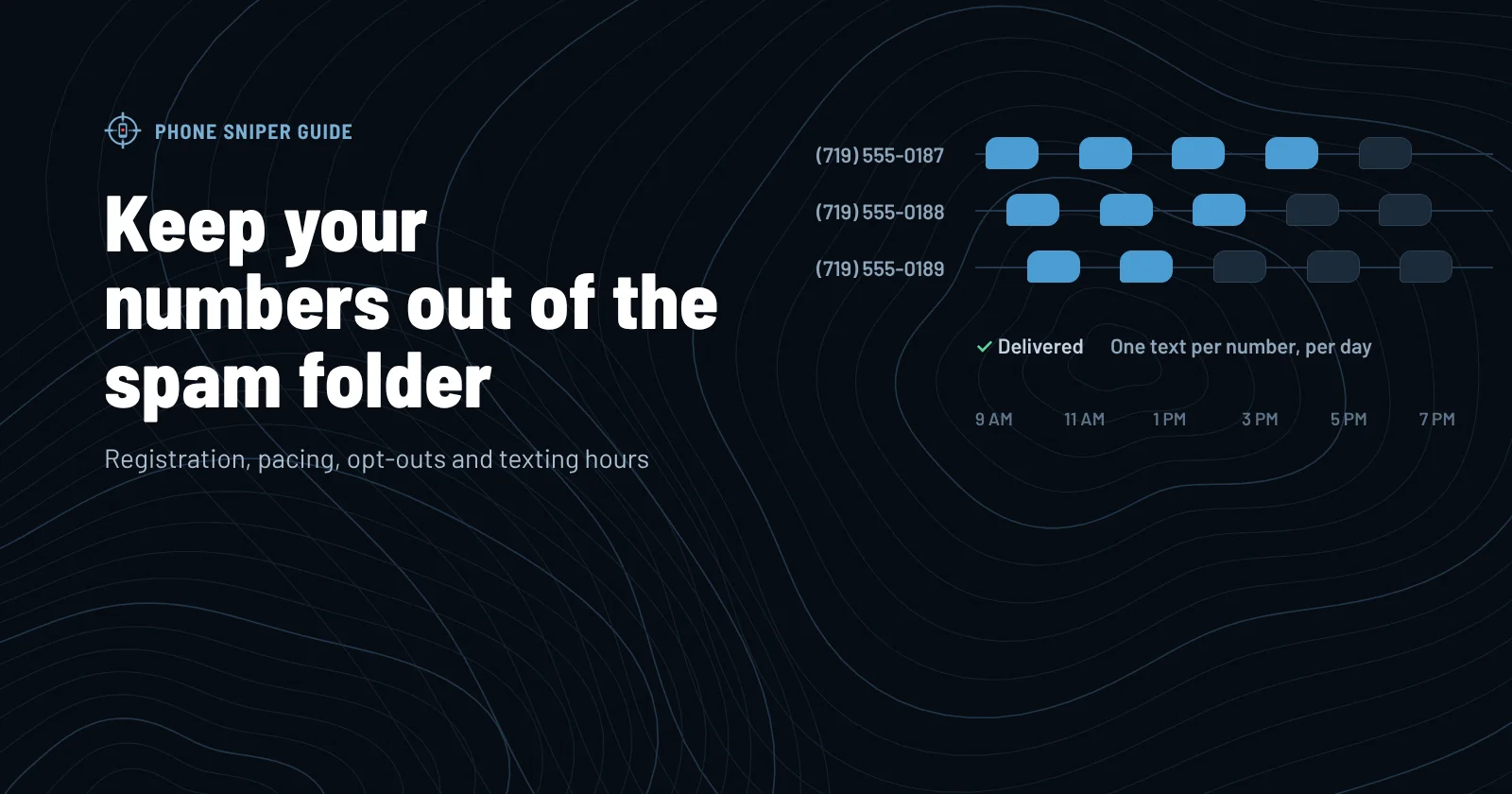
A number that fires off 2,000 texts in ten minutes doesn't look like a person, and the filters notice. The fix is simple: spread your sends out.
- Spread across the day. A campaign that runs from 9 a.m. to 7 p.m. at an even pace looks very different from one that sends everything at once.
- Spread across numbers. Rotating several numbers keeps any single one from carrying too much volume.
- Warm up new numbers. Start a fresh number with light volume and build up over a couple of weeks.
- Slow down when delivery drops. If a number's delivery rate falls, cut its volume before it gets worse.
A slower campaign that gets delivered beats a fast one that gets filtered. You'll also handle replies better when they come in over the day instead of all at once.
Never text the same person twice in one day
Skip-traced lists are full of duplicates. The same cell phone shows up under the owner's name, their spouse, their LLC, their trust and an old address. If you text every record, that person gets four or five texts in an hour from you. That's how you get complaints, and complaints are what get numbers blocked.
Clean duplicates by phone number, not by name. Before each campaign, check that no number gets more than one text that day, even when it appears on more than one list. Keep a record across campaigns too, so the same owner doesn't get your opener from three different campaigns in one week.
Honor opt-outs instantly, and everywhere
When someone replies STOP, they're done. The same goes for replies like "remove me," "wrong number," "don't text me again" or "unsubscribe." Take that number off every list right away, from every one of your numbers, and keep it off for good.
Carriers watch opt-out and complaint rates closely. A campaign where people reply STOP and then get texted again is one of the fastest ways to lose a number. It's also a legal issue. The rules about consent, opt-outs and the National Do Not Call Registry are complicated and they change, so talk to a lawyer about what applies to your marketing.
Keep a single Do Not Contact list that every campaign checks before it sends. If someone opts out from a text, they shouldn't get a follow-up text from a different number a week later.
Text during reasonable hours, in their time zone
Federal rules limit telemarketing calls and texts to between 8 a.m. and 9 p.m. in the recipient's local time, and some states, like Florida, are stricter. The catch for investors is time zones: if your list covers several states, the clock that matters is the owner's, not yours.
A safe habit is to text only between 9 a.m. and 7 p.m. in each owner's own time zone. Here's what that looks like if you're working from Colorado:
- Recommended: 9 a.m.–7 p.m. their time
- Federal limit: 8 a.m.–9 p.m. their time
Mountain time. Some states, like Florida, set stricter hours.
Show the numbers
| Owner’s time zone | Recommended (Mountain time) | Federal limit (Mountain time) |
|---|---|---|
| Eastern | 7 a.m.–5 p.m. | 6 a.m.–7 p.m. |
| Central | 8 a.m.–6 p.m. | 7 a.m.–8 p.m. |
| Mountain | 9 a.m.–7 p.m. | 8 a.m.–9 p.m. |
| Pacific | 10 a.m.–8 p.m. | 9 a.m.–10 p.m. |
If you text Eastern owners at 8:30 p.m. Mountain time, it's 10:30 p.m. for them. That's a complaint waiting to happen, and possibly a legal problem.
Write like a person, not a promotion
Spam filters read words too. Messages that look identical across thousands of sends, shout about "CASH OFFERS!!!", or include shortened links get filtered more often. The same things make owners less likely to answer.
| Do | Avoid |
|---|---|
| Use the owner's first name | "Dear property owner" |
| Mention the county, road or acreage | Generic "your property" |
| Ask one simple question | A paragraph of selling points |
| Vary the wording across sends | The exact same sentence 5,000 times |
| Leave links out of the first text | Shortened links like bit.ly |
| Write in plain sentence case | ALL CAPS and lots of exclamation points |
We cover the first message in detail in What to say in your first text to a land owner.
Watch the numbers that warn you
Three numbers tell you how a campaign is going before the replies do:
- Delivery rate. The share of texts the carrier confirms were delivered. Above about 95% is healthy. A steady slide is the first sign of filtering.
- Opt-out rate. The share of people who reply STOP. A sudden jump usually means the list, the message or the timing is off.
- Reply rate. The share of people who answer. If delivery looks fine but replies drop to zero, check whether texts are really arriving by sending a test to your own phone.
Check these daily while a campaign runs. When something moves the wrong way, pause, find the cause and fix it before you send more.
A pre-campaign checklist
Before you start your next campaign, run through this list:
- Business texting is registered and approved.
- The list is cleaned of duplicate phone numbers.
- Every number on your Do Not Contact list is excluded.
- The message uses the owner's name and a property detail, with no links.
- You have a few versions of the message, not just one.
- Sending is spread across the day and across your numbers.
- Texting hours are set in each owner's own time zone.
- You've sent a test text to your own phone and it arrived.
None of this is complicated. It's a matter of doing it every time, which is where software helps.
Phone Sniper handles most of this list for you. Registration comes with every plan. Campaigns send at a steady pace across your numbers, a phone never gets two texts in one day even when it's on your list under several names, STOP replies go straight to your Do Not Contact list, and texts only go out during the hours you set, in each owner's own time zone.